Finding Your Network Server
In most cases, if you've already installed ATX on your network server, the system will automatically recognize the server's location and will link a network workstation to the server.
If the system is unable to find your server, the Find Network Server dialog box appears:
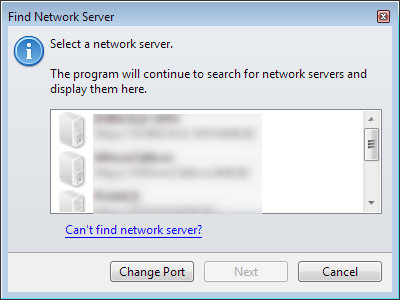
Find Network Server dialog box
- Select the server from the list.
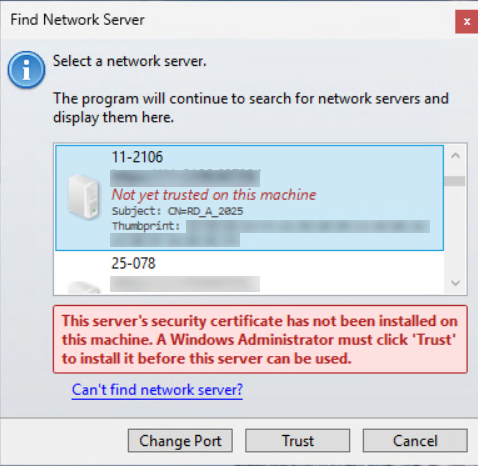
Find Network Server dialog box
- Click Trust to install the certificate. The user must have Windows administrator rights.
If the Trust button is unavailable, verify that the update has been applied to the server.
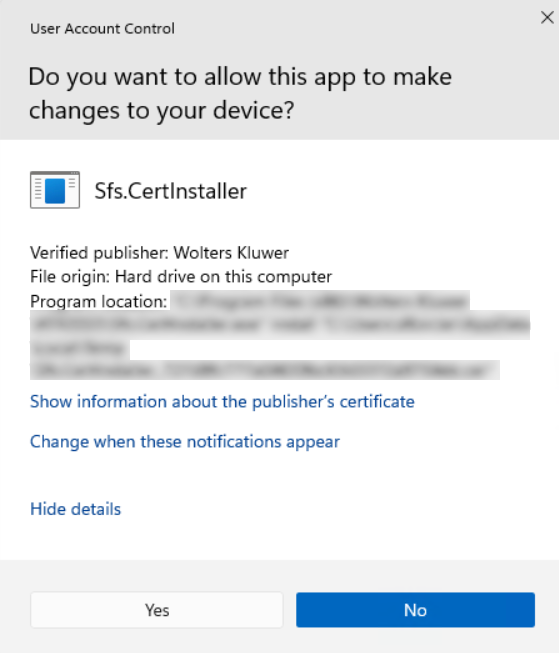
User Account Control dialog box
- Click Yes indicating you want to allow this application to make changes to your device.
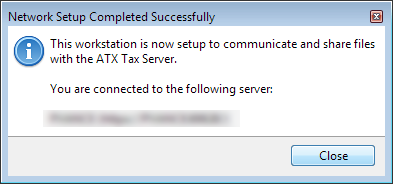
Network Setup Completed Successfully message
- Click Close.
If the server is not in the list, follow instructions for Adding a Server.
See Also: